
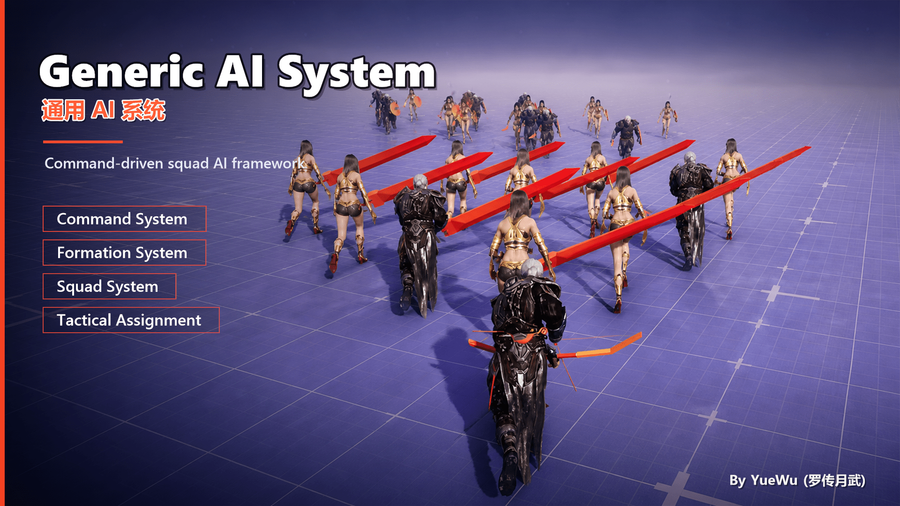
GenericAISystem Quick Start
The companion project provided separately after purchase includes GAIS demo levels. Open /Game/GenericDemo/GAIS in the Content Browser (the GenericDemo/GAIS folder under the project's Content directory) to explore working command, squad, formation, StateTree, and Tactical Assignment scenarios.
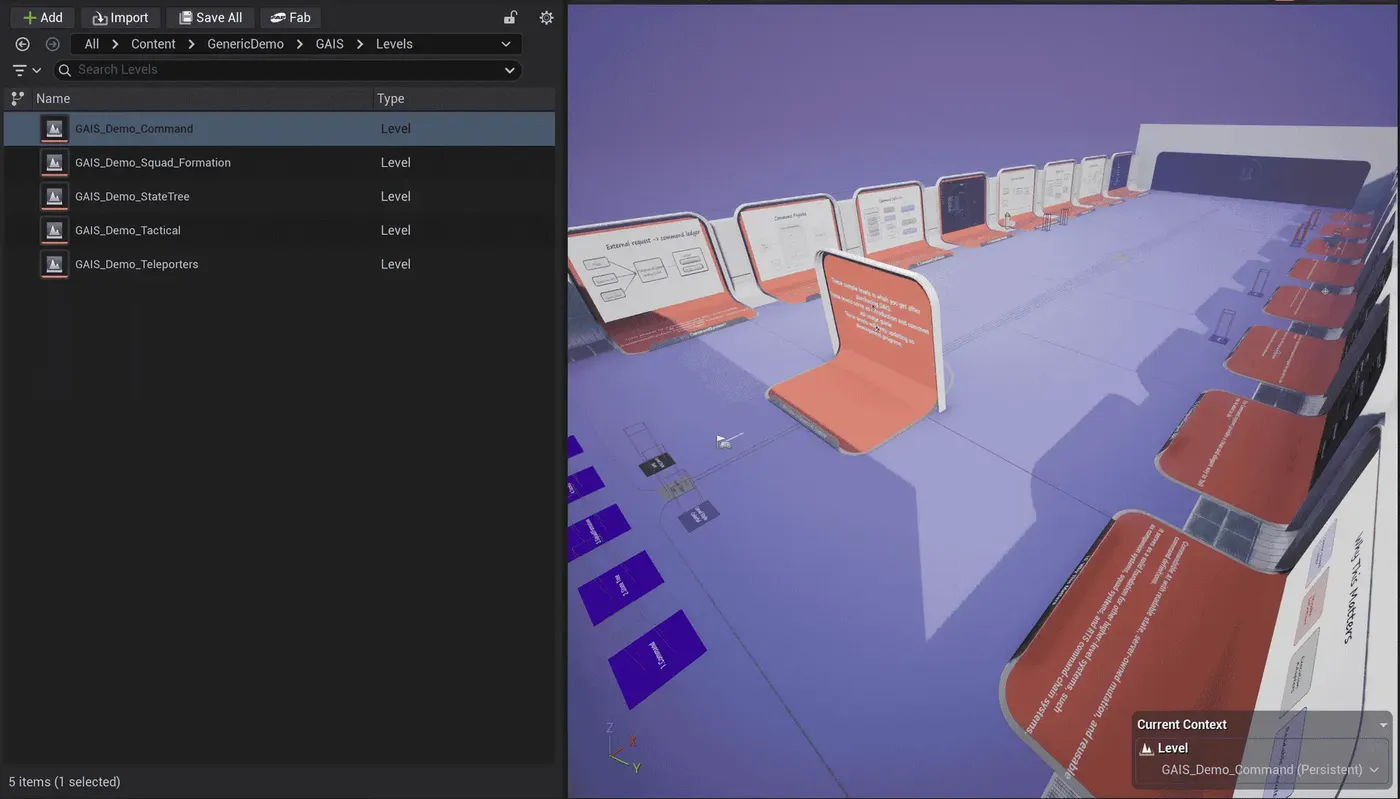
Explore the Project
Run the demo levels in order. In PIE, observe units receiving commands, joining squads, occupying formation slots, and participating in tactical assignments.
The companion project's Blueprints, data assets, StateTrees, and settings show one working integration path. Adapt them to your own character architecture, movement backend, and decision model.
Once the examples are familiar, integrate only the capabilities your project needs by following the corresponding component, authored-data, and runtime-call guides.
Use the Docs as Reference
Use the companion project to observe working results and the documentation to understand configuration, runtime boundaries, networking responsibilities, and extension points. If behavior differs, compare the plugin version with the page's source_basis.
Next steps
Continue according to the task you want to complete:
- To try building a minimal command yourself, read Integrate a Minimal Commandable Unit.
- To organize multiple units and generate slots, read Configure Squads, Formations, and Slots.
- To connect Movement Intent to an actual movement backend, read Connect Movement Intent to Movement.
- To let AI choose assignees and targets automatically, finish with Configure a Tactical Assignment Plan.